
1. Navigate to https://app.widgetbird.com/dashboard
2. Click “Installation”

3. Find the Shopify section and click Copy widget code to copy your Widget code
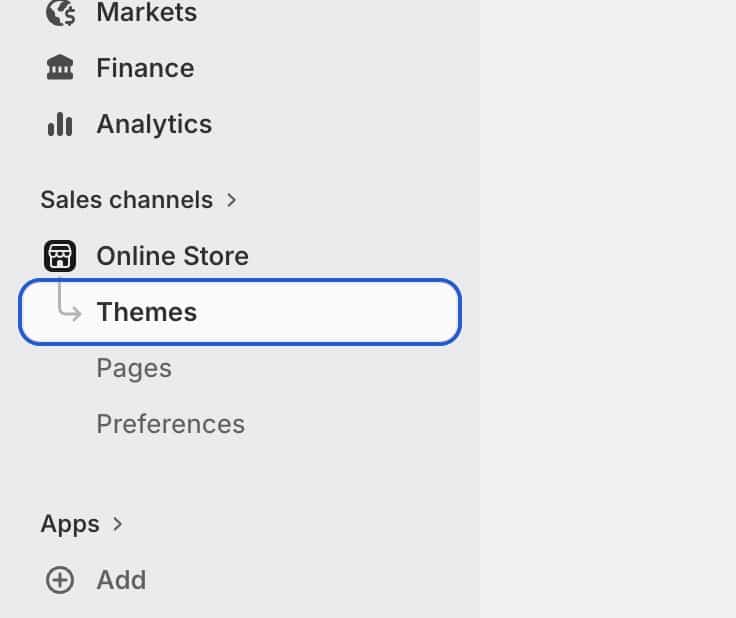
4. Go to your Shopify admin center and click Online Store > Themes
5. On your current theme, click the 3 dots and click Edit code

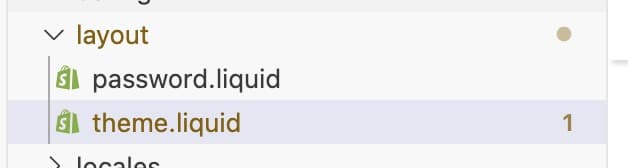
6. In the left sidebar, open the folder layout. Open the file called theme.liquid.
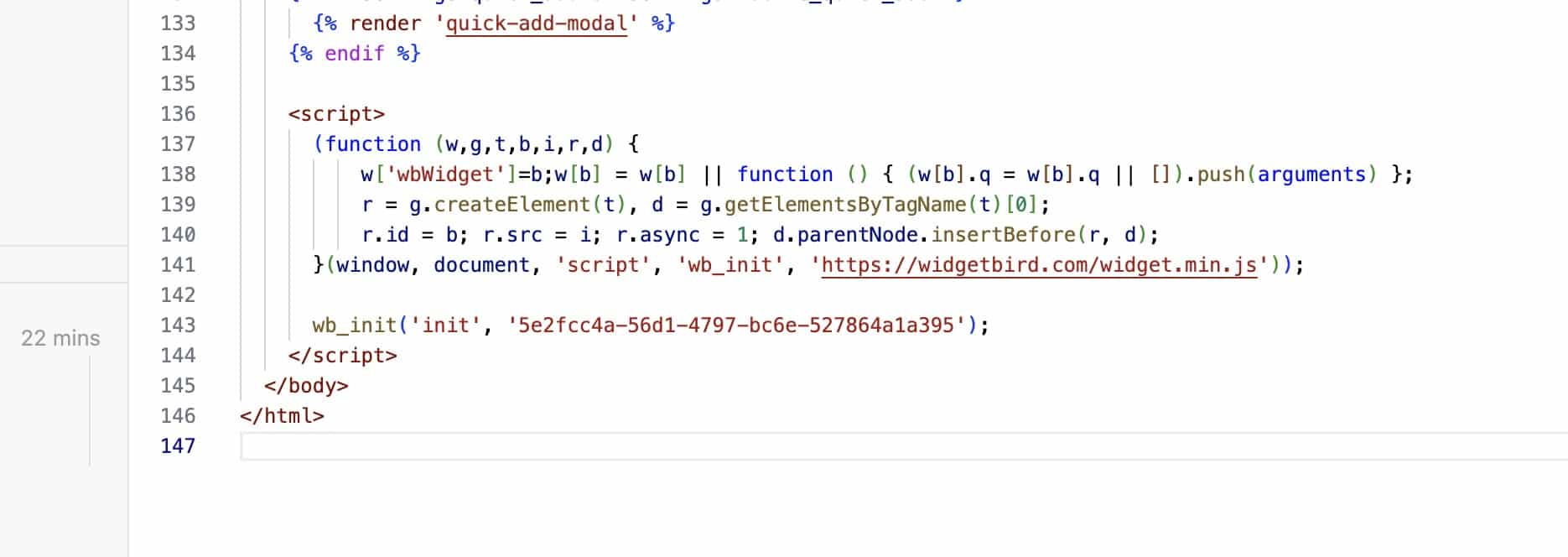
7. Scroll down in the file and find the line that says “</body>”
8. Paste your Widget code into the file, just above the “</body>” line. The result should look like this:
9. Click Save in the top right corner